Everything,
in one place.
Files, archives, photos and video in one calm Android app. Opens RAR5 and 7z, plays MKV with subtitles and locks private files with AES-256 — free and open source.
pzip replaces five scattered apps
with one calm home.
Five apps in. One app out.
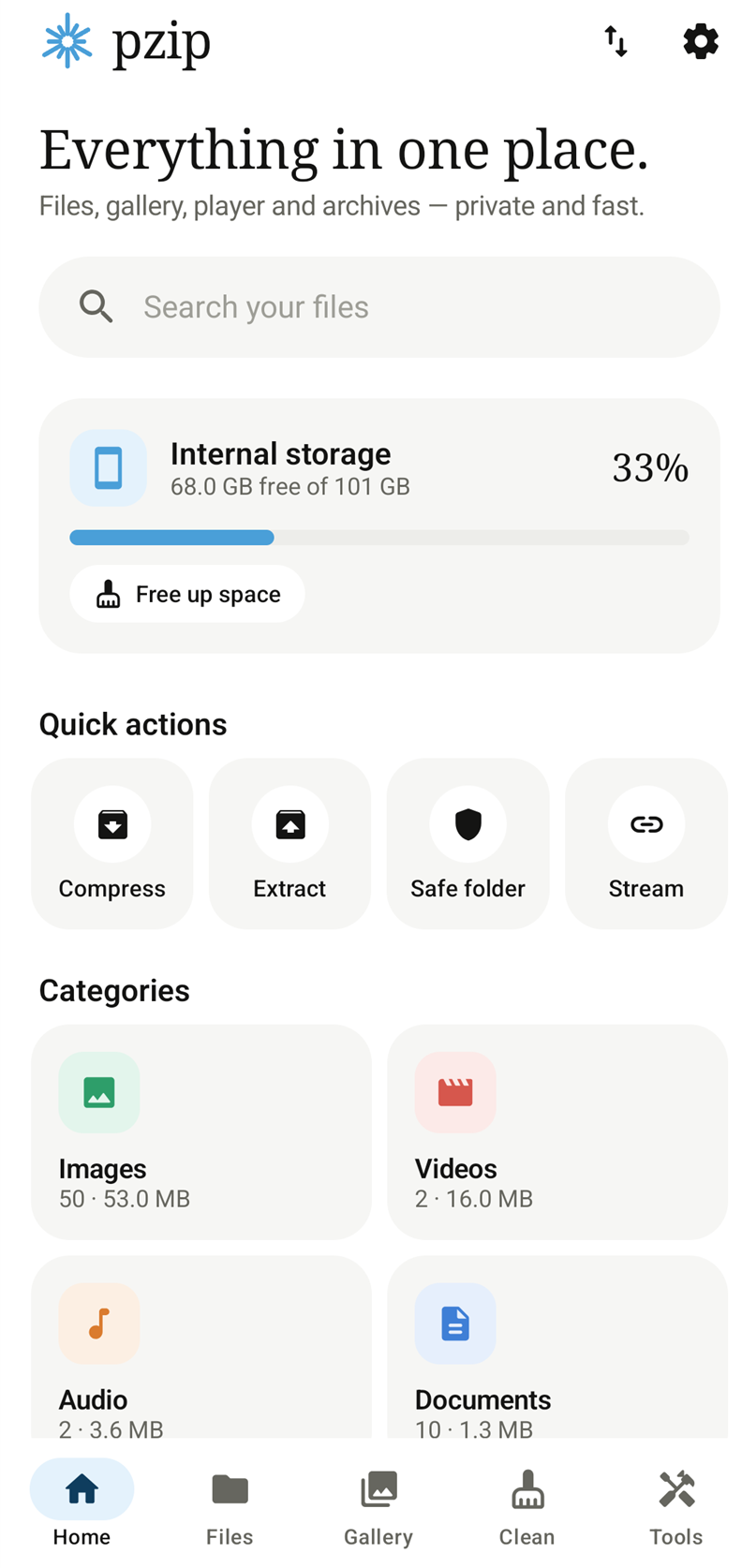
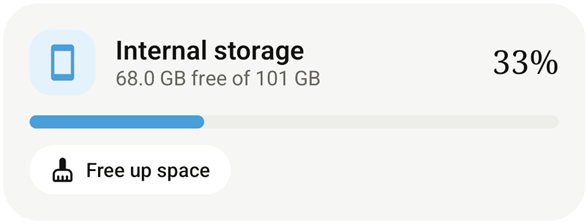
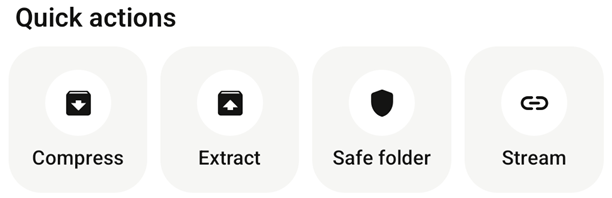
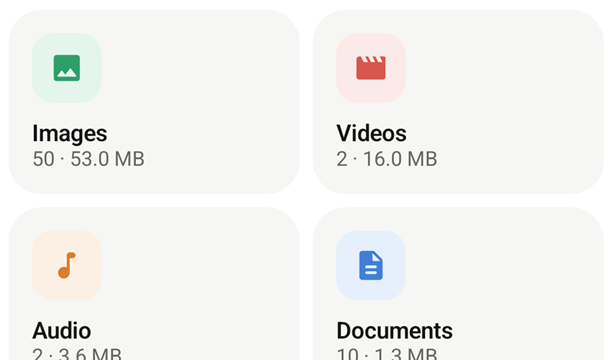
Real screens from pzip 1.0.0 on Android 16.
Three things you do every day.
Find. Pack. Play.
Find
Search all storage from the second letter. Sort, filter and jump to Download, DCIM or WhatsApp in a tap.
Pack
Compress to ZIP, 7Z or TAR with six levels and AES-256. Extract RAR5, split ZIPs and 20+ formats.
Play
libVLC playback with gestures, subtitles, 4× speed, A–B repeat, picture-in-picture and background audio.
Pack it. Lock it.
Unpack anything.
Choose a format, slide to a compression level, add a password and send it on its way. Opening is just as easy — preview what’s inside and extract only what you need.
- ZIP with AES-256, AES-128 or ZipCrypto, and a password strength meter
- RAR and RAR5 through the official UnRAR engine — encrypted and multi-volume too
- Split ZIPs into 10 MB to 4 GB parts for email, cloud or FAT32 drives
- Test, convert and edit — add, delete or rename entries inside a ZIP
Find it fast.
Keep it tidy.
A focused file manager with search that starts at two letters, sorting that remembers how you like it, and selection actions right under your thumb.
- Search all storage instantly, or filter just the folder you’re in
- Sort by name, date, size or type — folders first, hidden files on demand
- Shortcuts to Download, DCIM, WhatsApp, Telegram and favourites
- Rich details: dimensions, duration, bitrate, artist and checksums
The power of VLC.
The feel of pzip.
pzip plays video with libVLC — the engine behind VLC — so MKV, HEVC, 4K and streams just work. Then it adds the touches that make phone viewing comfortable.
- Swipe for brightness, volume (to 200%) and seeking; double-tap to skip 10 s
- Subtitles in SRT, ASS, SSA, VTT, SUB and SMI — auto-loaded when they sit next to the video
- 0.25× – 4× speed, A–B repeat, sleep timer, chapters and shuffle
- Picture-in-picture, background audio and lock-screen controls
The whole valley was in bloom.
Hardware + software decoding
Auto (HW+), hardware or software — with a one-tap software fallback if a file won’t play.
Aspect & rotation
Fit, Stretch, Crop, 16:9, 4:3 or Original. Auto-rotate to the video’s shape or lock it.
Audio tools
Switch audio tracks, sync audio in 100 ms steps and pick an equalizer preset.
Network streams
Open HTTP, HLS (m3u8), RTSP and RTMP links — and record streams to Movies/pzip.
Resume playback
Anything longer than a minute picks up exactly where you stopped.
Media info
Resolution, frame rate, codec, duration, size, track counts and active decoder.
Every photo,
in its moment.
A month-by-month timeline, folder albums with Camera first, and a dedicated videos tab — read straight from your phone, never uploaded.
- Pinch to zoom up to 8×, double-tap for 2.5×, swipe between photos
- Rotate and save back to JPEG, PNG or WebP
- Slideshow, set as wallpaper and share
- Select many to compress, protect or delete at once
Reclaim space.
Keep control.
pzip finds what’s safe to remove, explains why, and lets you decide. Duplicates are confirmed byte-for-byte with SHA-256 — never guessed from names.
- Junk, empty folders, duplicates, large files, old downloads, old screenshots and install files
- Personal files are never pre-selected — you choose
- Deleted items rest in Trash for 30 days and restore to their original folder
- Storage analyzer ranks folders by size so you know where space went
Your files never
leave your phone.
pzip has no account, no ads and no analytics. When you want more protection, it uses the same building blocks banks rely on.
- Safe folder: AES-256-GCM with a key held in the Android Keystore, sealed in authenticated 256 KB chunks
- App lock: 4–8 digit PIN hashed with PBKDF2-SHA256 (120,000 rounds), plus fingerprint
- Screenshot blocking hides pzip from recents and screen recordings
- Secure shred overwrites a file before deleting it
Safe folder
Enter your PIN to unlock
Open anything,
every time.
20+ archive formats in, six formats out — detected by name and by the bytes inside.
Tools, utilities and little conveniences.
Every tool, one tap away.
Checksums, a password generator, storage analyzer, secure shred, archive benchmark, background operations and more — gathered in the Tools tab.
Built by someone who
wanted fewer apps.
pzip is designed and built by Abhiraj Aryan, owner of Nirvana Team, together with co-founder Rahul Kumar Pal. The goal is simple: one honest app for the files on your phone — fast, beautiful and free of ads.
Proven engines.
Native speed.
pzip is a native Kotlin app built with Jetpack Compose. The heavy lifting is done by battle-tested open-source libraries.
Good questions, straight answers.
Still curious? The guide walks through every feature step by step.
Read the full guideWhat exactly is pzip?
pzip is one Android app that combines a file manager, an archiver (ZIP, RAR, 7z, TAR and more), a libVLC-powered video and music player, a photo gallery, document viewers, a storage cleaner and privacy tools like an encrypted Safe folder. It is free, open source and has no ads.
Is it really free? What’s the catch?
There is no catch. No ads, no in-app purchases, no account and no analytics. The app’s source code is public on GitHub under the MIT license.
Which APK should I download?
Most phones made in the last several years use arm64-v8a — that is the smallest, fastest choice. Older 32-bit phones need armeabi-v7a; emulators and some Chromebooks use x86_64. If you are unsure, the universal APK works everywhere, it is just larger.
Can pzip create RAR files?
No. pzip opens and extracts RAR (including RAR5, encrypted and multi-volume sets) using the official UnRAR engine, whose license does not allow creating RAR archives. To make an archive, use ZIP with AES-256 or 7Z.
Why does pzip need “All files access”?
A file manager, cleaner and archiver have to read and write files across your storage, not only in one folder. Everything happens on your device; pzip does not upload your files.
Does scanning or cleaning delete my files?
A scan only lists what it finds. Nothing is deleted until you select items and confirm. With Trash on (the default), deleted items can be restored for 30 days.
Does pzip work offline?
Yes. Files, archives, the gallery, local playback and cleaning all work offline. Internet is used only when you open a network stream. The website checks GitHub for the latest release.
What Android version do I need?
Android 8.0 (Oreo) or newer. Fingerprint unlock needs Android 9 or newer.
Make room for everything.
One download replaces your file manager, archiver, video player and gallery. About 23 MB on most phones.